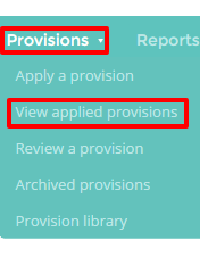
Provision Map allows to export your provisions as printable pdf files. To print a provision, mouse over the Provisions tab at the top of the page and then select View applied provisions from the drop down menu.
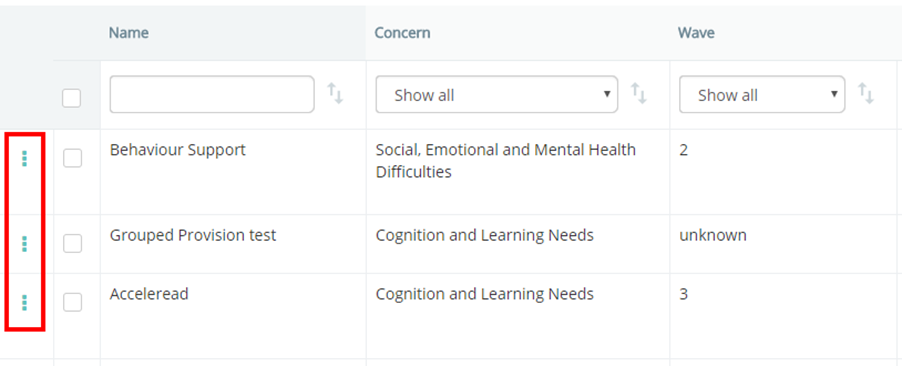
This will take you to a list of the provisions that have been applied at your school. To download a printable provision, click on the 3 dots menu alongside the provision that you would like to print.
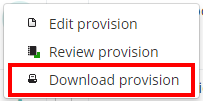
Next, select Download provision from the drop down menu. A pdf copy of the provision will be generated.
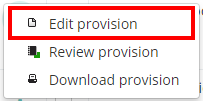
You can also print a provision as you are viewing it. To do this, select Edit provision from the drop down menu instead.
Next, click on the Print button in the top right hand corner of the page.
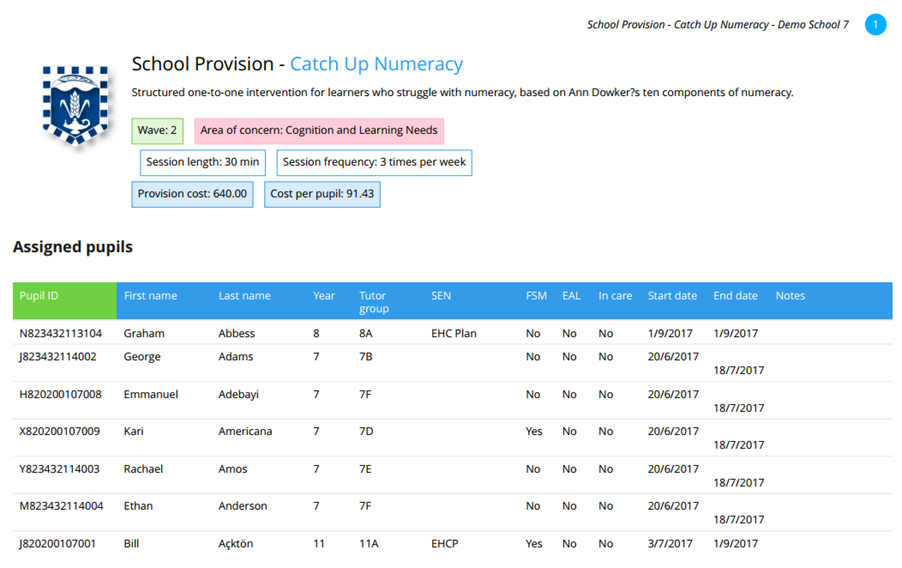
A pdf version of the provision will be generated.
Was this article helpful?
That’s Great!
Thank you for your feedback
Sorry! We couldn't be helpful
Thank you for your feedback
Feedback sent
We appreciate your effort and will try to fix the article