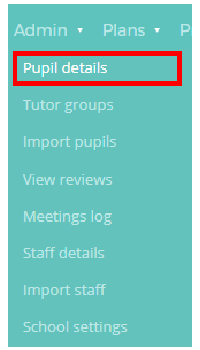
To view a list of all pupils in your school, mouse over the Admin tab at the top of the page and select the Pupil details option from the drop down menu.
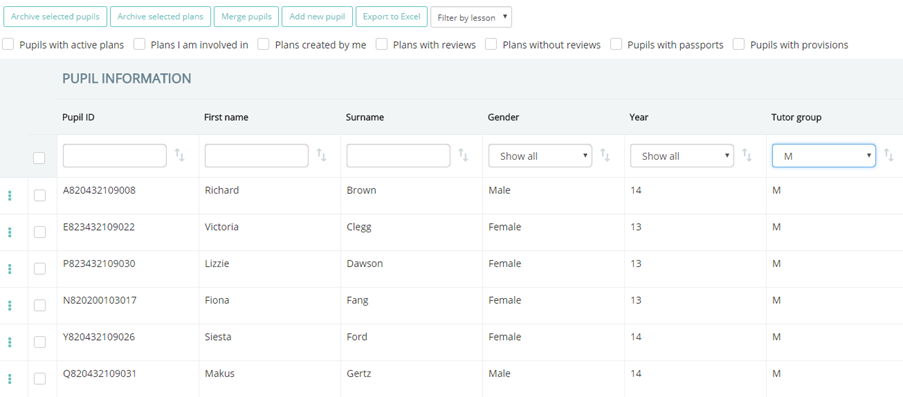
This will take you to a list of all the pupils that have been imported into your Provision Map account. The list includes details such as the pupil’s unique ID, their name, their gender, SEN info, their year group, and any additional custom pupil fields that have either been pulled from your MIS or manually added.
Was this article helpful?
That’s Great!
Thank you for your feedback
Sorry! We couldn't be helpful
Thank you for your feedback
Feedback sent
We appreciate your effort and will try to fix the article