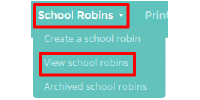
To archive a school robin, mouse over the “School Robins” tab and select “View school robins” from the dropdown menu.
Please note: There is no way to recover a permanently deleted robin.
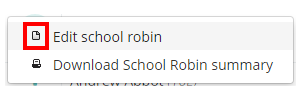
You will see a list of pupils associated with school robins. Click on the 3 dots next to the school robin you wish to archive and select the “Edit school robin” option.

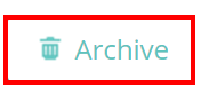
You will now be viewing the school robin. Click on the ‘Archive’ button in the top right hand corner of the page.
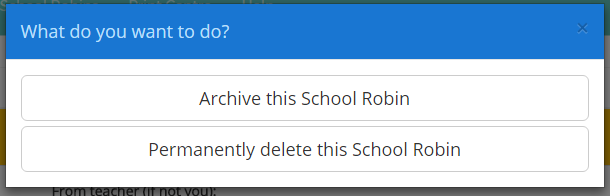
A popup menu will appear with two options: “archive” and “permanently delete”. Selecting “archive” will move the school robin to the archived list of robins, whereas the second option will permanently delete the school robin from your account.
Was this article helpful?
That’s Great!
Thank you for your feedback
Sorry! We couldn't be helpful
Thank you for your feedback
Feedback sent
We appreciate your effort and will try to fix the article