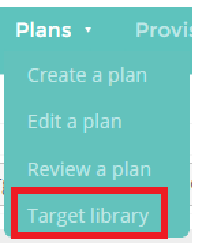
To delete a target from the target library, mouse over the Plans tab at the top of the page and select Target library from the drop down menu.
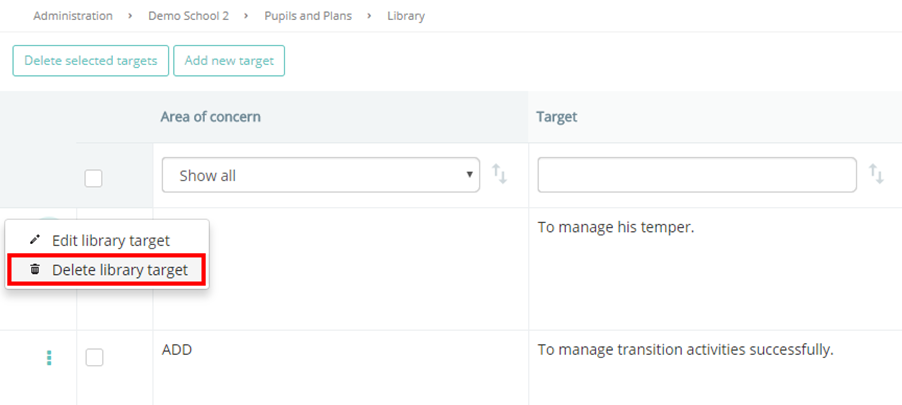
To delete a single target, click on the 3 dots next to a target and select Delete library target (bin icon).
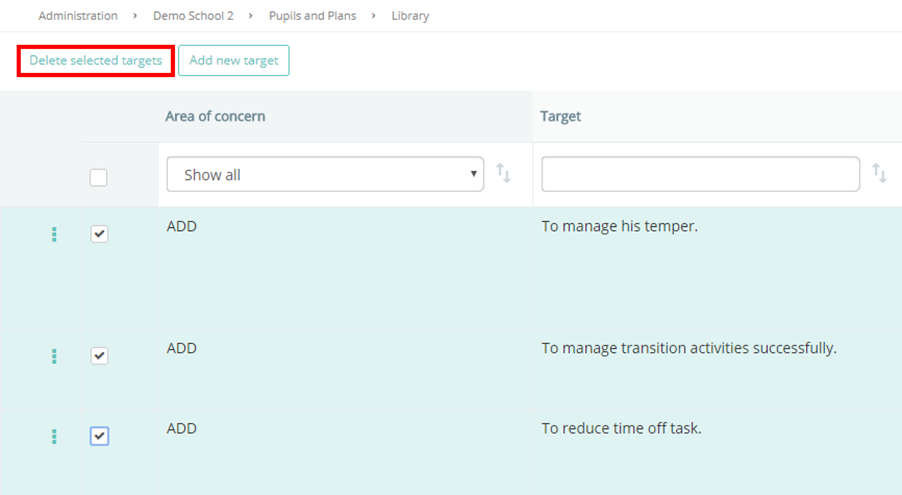
You can delete several targets at a time by ticking the checkboxes next to each target and clicking on the Delete selected targets button above the list.
Was this article helpful?
That’s Great!
Thank you for your feedback
Sorry! We couldn't be helpful
Thank you for your feedback
Feedback sent
We appreciate your effort and will try to fix the article