The Provision Map target library contains a large number of ready-made targets, success criteria and strategies which you can use when creating Learning Plans. You can edit the content of the library to your preferences, or add your own commonly used targets.
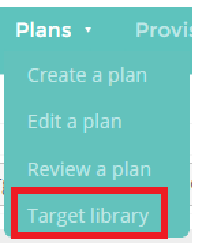
To access the target library, mouse over the Plans section of the top menu and select Target Library.
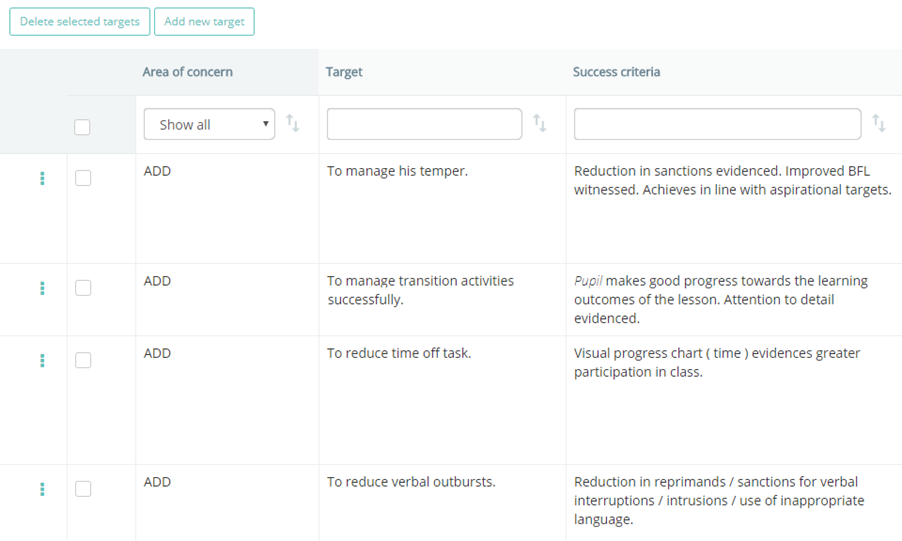
You will be taken to a list of the available targets.
Was this article helpful?
That’s Great!
Thank you for your feedback
Sorry! We couldn't be helpful
Thank you for your feedback
Feedback sent
We appreciate your effort and will try to fix the article