Once you have set up custom sections within a learning plan template, you may find that you wish to make changes to their order.
To rearrange a section, click and hold the arrows icon and drag the section to a different position in the template
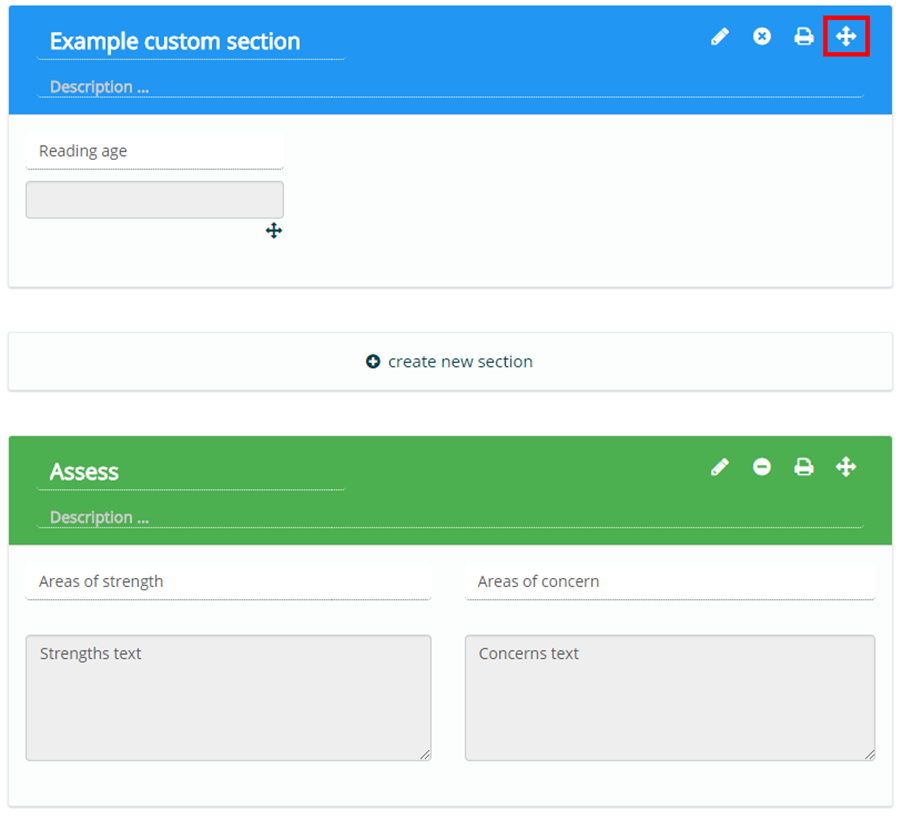
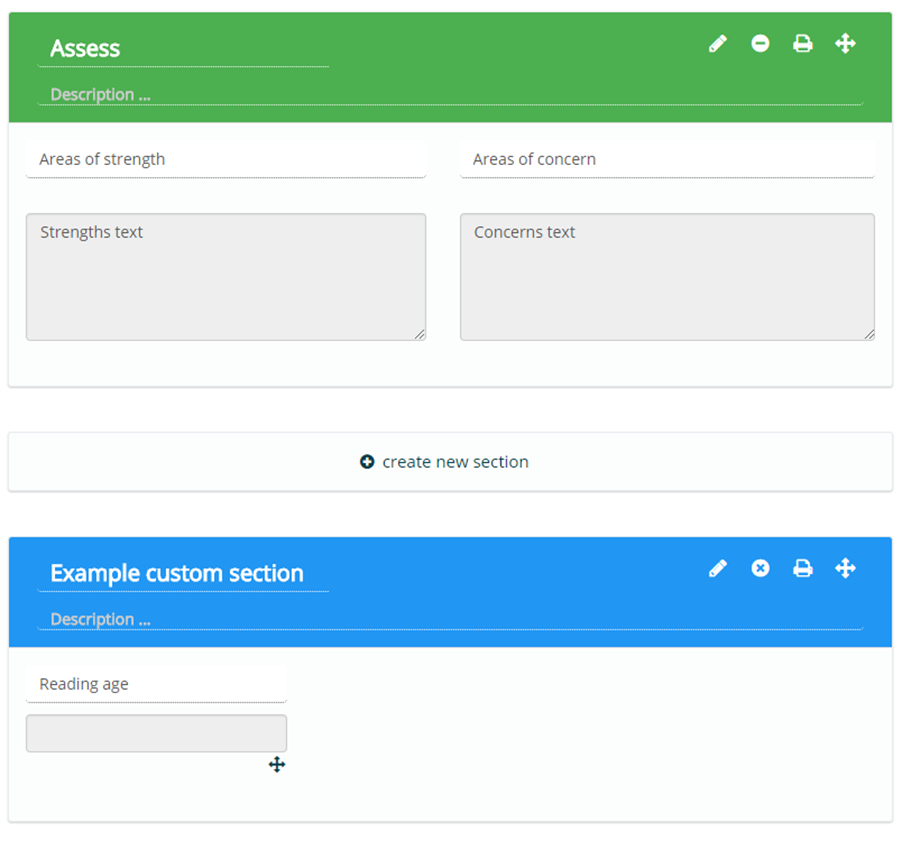
After letting go of the mouse, you will find that the section order has been successfully changed.
Was this article helpful?
That’s Great!
Thank you for your feedback
Sorry! We couldn't be helpful
Thank you for your feedback
Feedback sent
We appreciate your effort and will try to fix the article