There may be times where it is necessary to delete an individual pupil’s workflow.
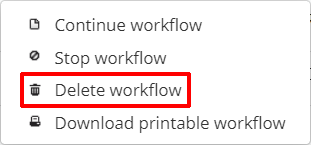
To permanently delete a workflow, click on the three dots menu for the workflow of your choice.

Next, select Delete workflow from the list of available options.
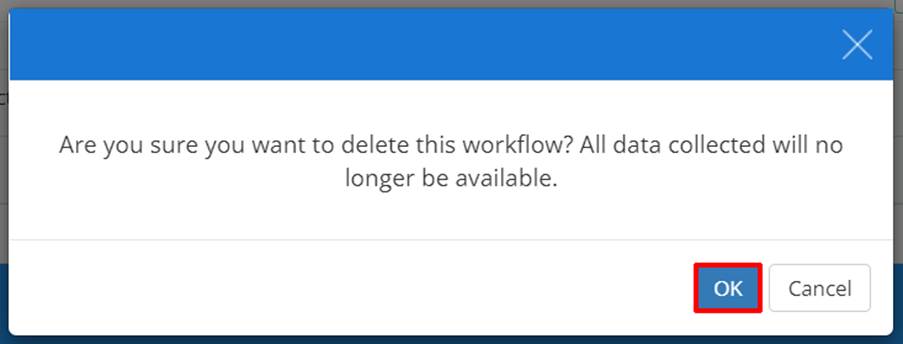
A confirmation popup will appear. Click on the OK button to continue.
The selected workflow will now be successfully deleted.
Was this article helpful?
That’s Great!
Thank you for your feedback
Sorry! We couldn't be helpful
Thank you for your feedback
Feedback sent
We appreciate your effort and will try to fix the article