How to edit default labels
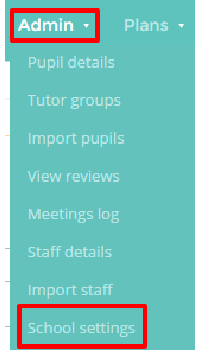
Scroll down to the ‘Default labels’ section. Here you can edit text boxes to display the information to make it relevant to your school.
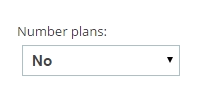
You can choose whether plans are numbered.

You can rename the default passport title.

You can rename tutor groups to the relevant term to your school.
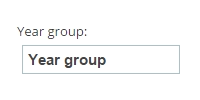
You can rename year groups to the relevant term to your school.

You can rename houses to the relevant term to your school.

You can rename SEN Stage to the relevant term to your school.
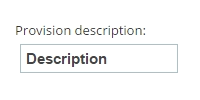
Type in the box what you would like provisions to be described as.
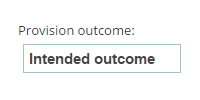
Type in the box what you would like the provision outcome to be called on provision details.
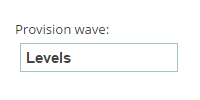
Type in the box what you would like the provision waves in your school to be called.
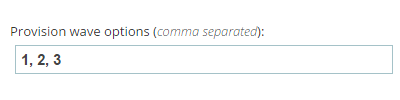
Type how you would like your provision waves to be numbered or described.

Change the review outcome titles to reflect the system your school uses. The figures themselves cannot be changed.
Was this article helpful?
That’s Great!
Thank you for your feedback
Sorry! We couldn't be helpful
Thank you for your feedback
Feedback sent
We appreciate your effort and will try to fix the article