In this increasingly digital world, it is inevitable that you will sometimes forget one of your passwords.
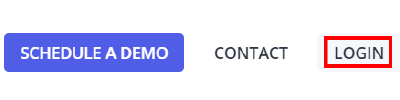
To reset your Provision Map password, click on the Log in button in the top right hand corner.
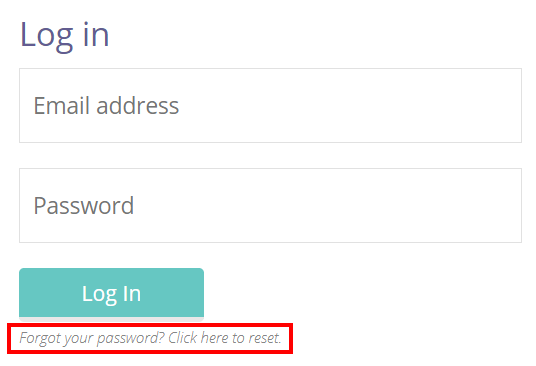
Next, click on the Forgot your password? Click here to reset link.
You will be presented with the Reset Password page. Enter your email address into the Email Address field provided and click on the reset password button.
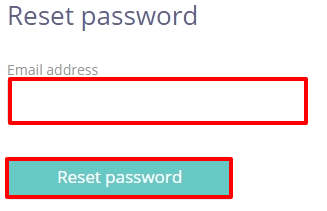
You will now be sent an email containing instructions on how to reset your password.
Was this article helpful?
That’s Great!
Thank you for your feedback
Sorry! We couldn't be helpful
Thank you for your feedback
Feedback sent
We appreciate your effort and will try to fix the article