To log into Provision Map, click on the Log in button in the top right hand corner.

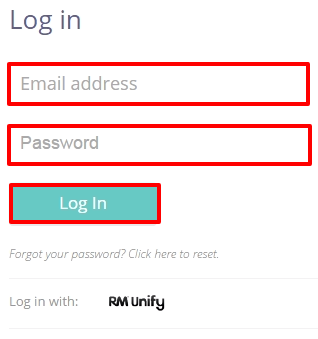
Next, enter the email address and password supplied to you by your school administrator and click Log in.
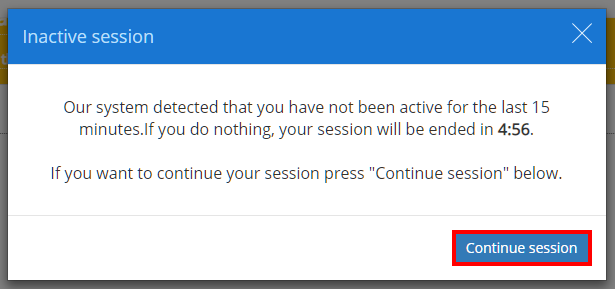
Once logged in, a popup will warn you that you you will be logged out automatically after 15 minutes of inactivity. To remain logged in, click on the Continue session button.
Was this article helpful?
That’s Great!
Thank you for your feedback
Sorry! We couldn't be helpful
Thank you for your feedback
Feedback sent
We appreciate your effort and will try to fix the article