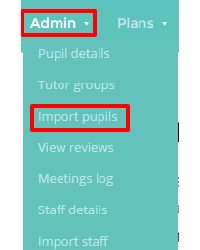
If you are using a manual Provision Map account that isn’t integrated with your Management Information System, you can manually import pupils into Provision Map. To begin importing pupils from a spreadsheet, mouse over the Admin tab at the top of the page and click on the Import pupils option in the drop down menu.
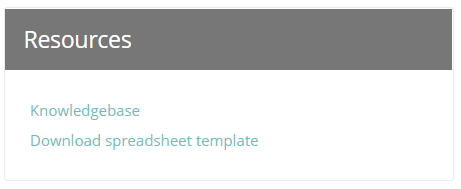
You will need an Excel spreadsheet containing the list of pupils that you’d like to import. The spreadsheet will need to follow a specific template, which can be downloaded from the Resources section on the right. The required information can be easily generated from your School’s MIS (e.g. SIMS, Integris, etc), but If you need assistance in this task then contact your school’s data manager.
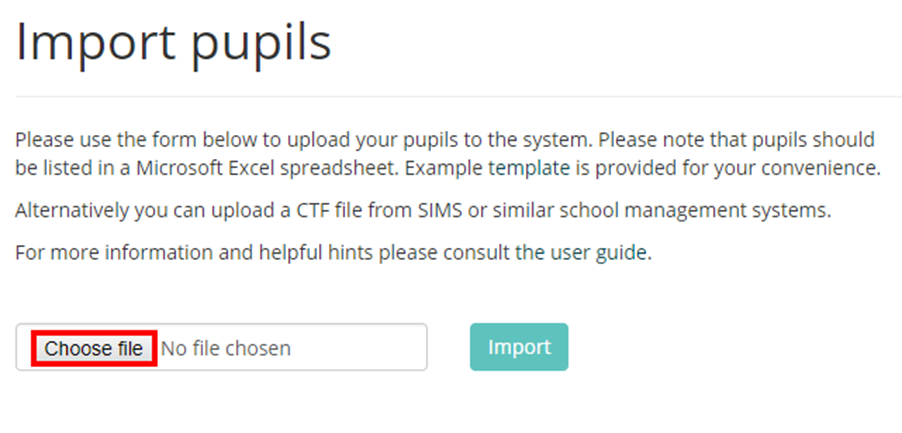
Once you have prepared a spreadsheet, click on the Choose file button to prepare your spreadsheet for upload.
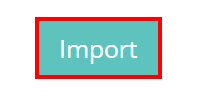
Next, click on the Import button to transfer the spreadsheet data into Provision Map.
This will take you to a preview of your uploaded pupils. Any errors in the uploaded data (such as missing fields or incorrect date formats) will appear with red backgrounds. If the system detects that a pupil is already in Provision Map, the matching fields will appear with a yellow background and the import will update the existing pupil records with the new data. You can match each column heading to the relevant column by selecting the most appropriate option from each drop down field.
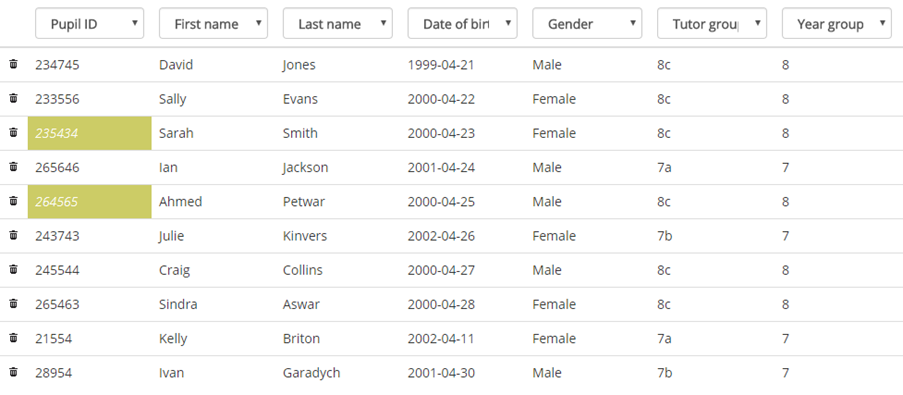
Above the table in the top right hand corner of the page, you will see three buttons. If you have changed your mind about importing pupils, click on the Cancel button to stop the import. If you have made changes to the data on this page, clicking the Update button will refresh the page with any warnings or errors.
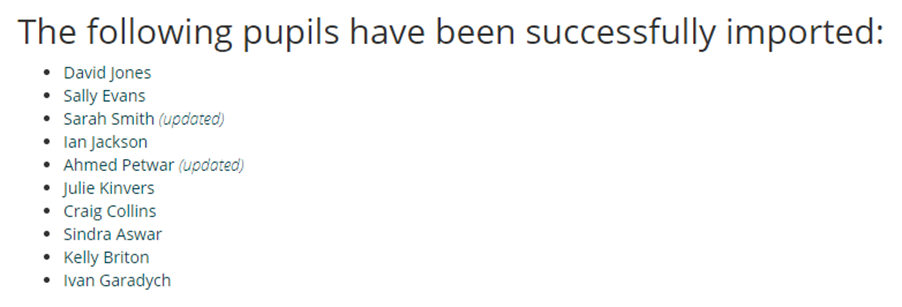
Once you are happy with the pupil data, click on the Import button to add the records into Provision Map.
Was this article helpful?
That’s Great!
Thank you for your feedback
Sorry! We couldn't be helpful
Thank you for your feedback
Feedback sent
We appreciate your effort and will try to fix the article