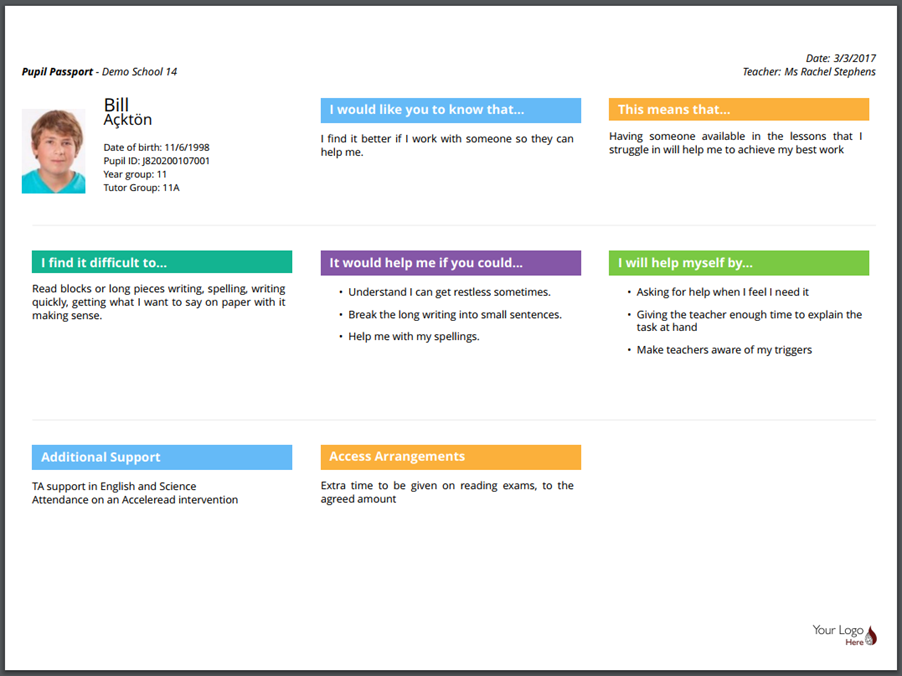
Once a passport has been created, it can be downloaded as a printable pdf.
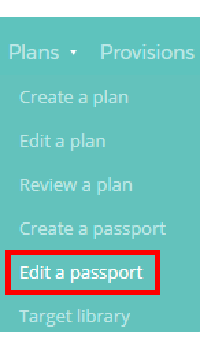
To print out a passport, mouse over the Plans tab at the top of the page and select Edit a passport from the drop down menu.
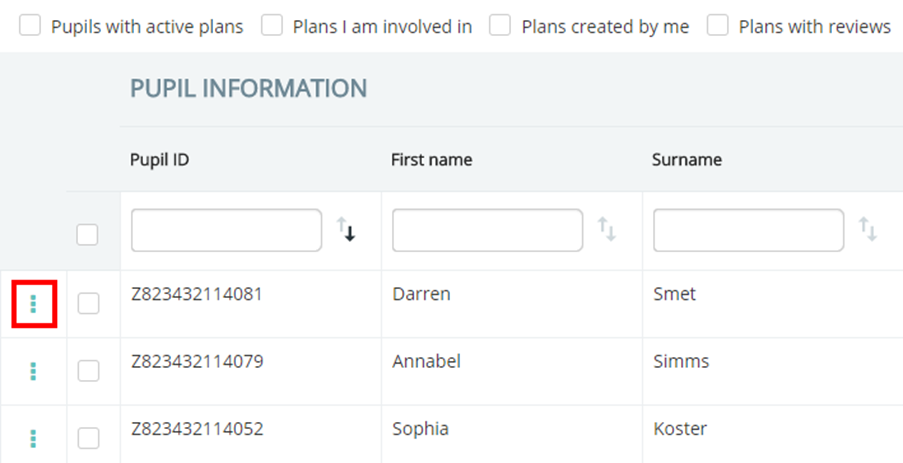
This will direct you to a list of pupils that currently have active passports. First, click on the three dots menu next to the pupil’s name.
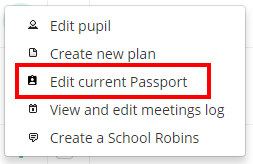
Next, click on the Edit current Passport option in the popup menu.
You will be directed to the Edit passport page shown below.
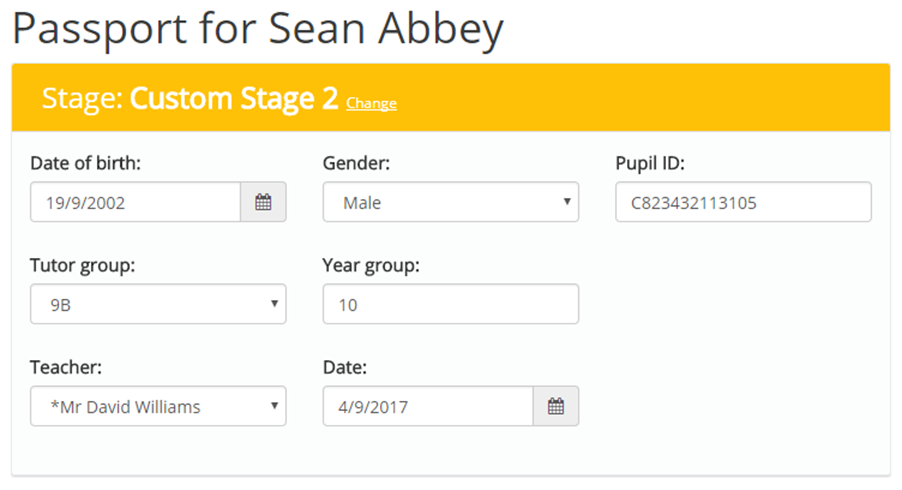
Click on the Print button in the top right hand corner of the page to print out the passport.
A pdf copy of the passport will be generated.
Was this article helpful?
That’s Great!
Thank you for your feedback
Sorry! We couldn't be helpful
Thank you for your feedback
Feedback sent
We appreciate your effort and will try to fix the article